Hypermedia Show More · WordPress
Start small.Read more.
A good introduction goes a long way. Let curious readers open the rest, right where they are.
Choose a motion. Then try Read more on the page below.
Your reduced-motion preference is active. Content appears instantly.

A workspace
for the day.
A quiet desk, good coffee and space to think. Read what is included before you book.
What is included?
Your day pass includes a desk, Wi-Fi and coffee. There are power sockets by every seat and a shared kitchen for lunch.
- Access between 08:00 and 17:00.
- A quiet area for focused work.
- A meeting room can be booked separately.
Studio Lind is a fictional workspace. The button really works.
Start with what matters.
Small plugin. Clear difference.
The same content.
A little more breathing room.
Opening hours, practical details or a longer description. There is room for it all, without crowding out the first thing you want to say.
Try the example page ↑From WordPress to your reader
Write. Add the button.
Let your reader choose.
Here is the same example page in a real WordPress installation, with the plugin active.
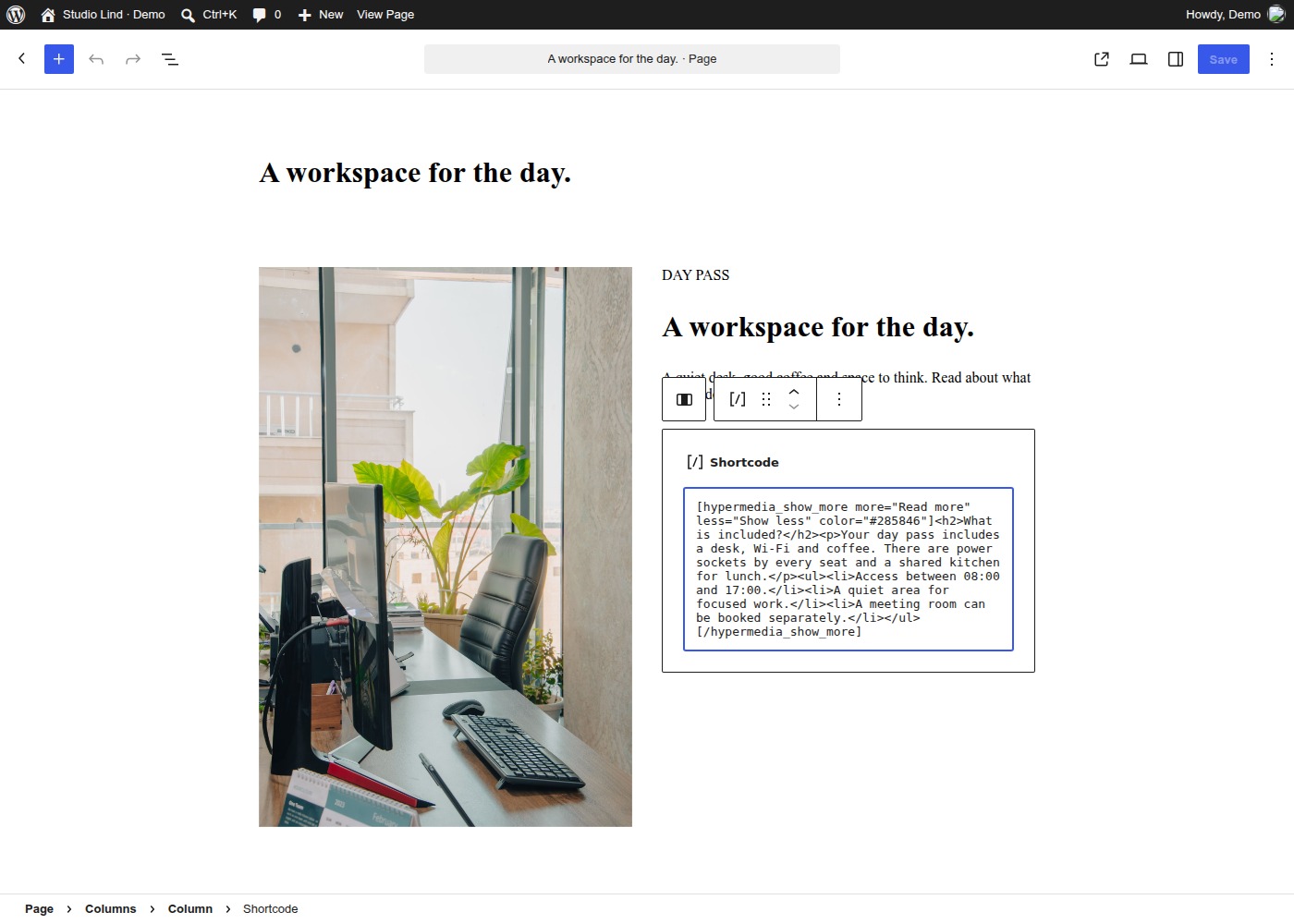
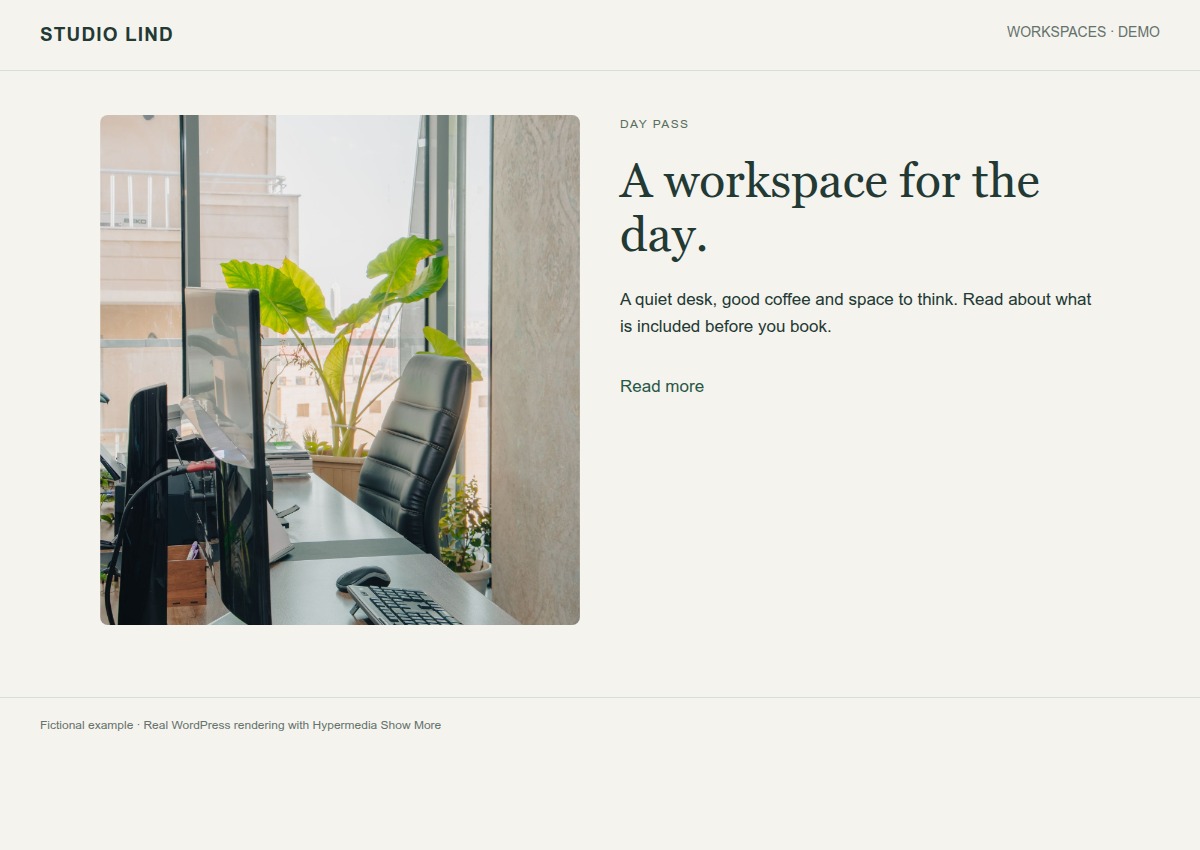
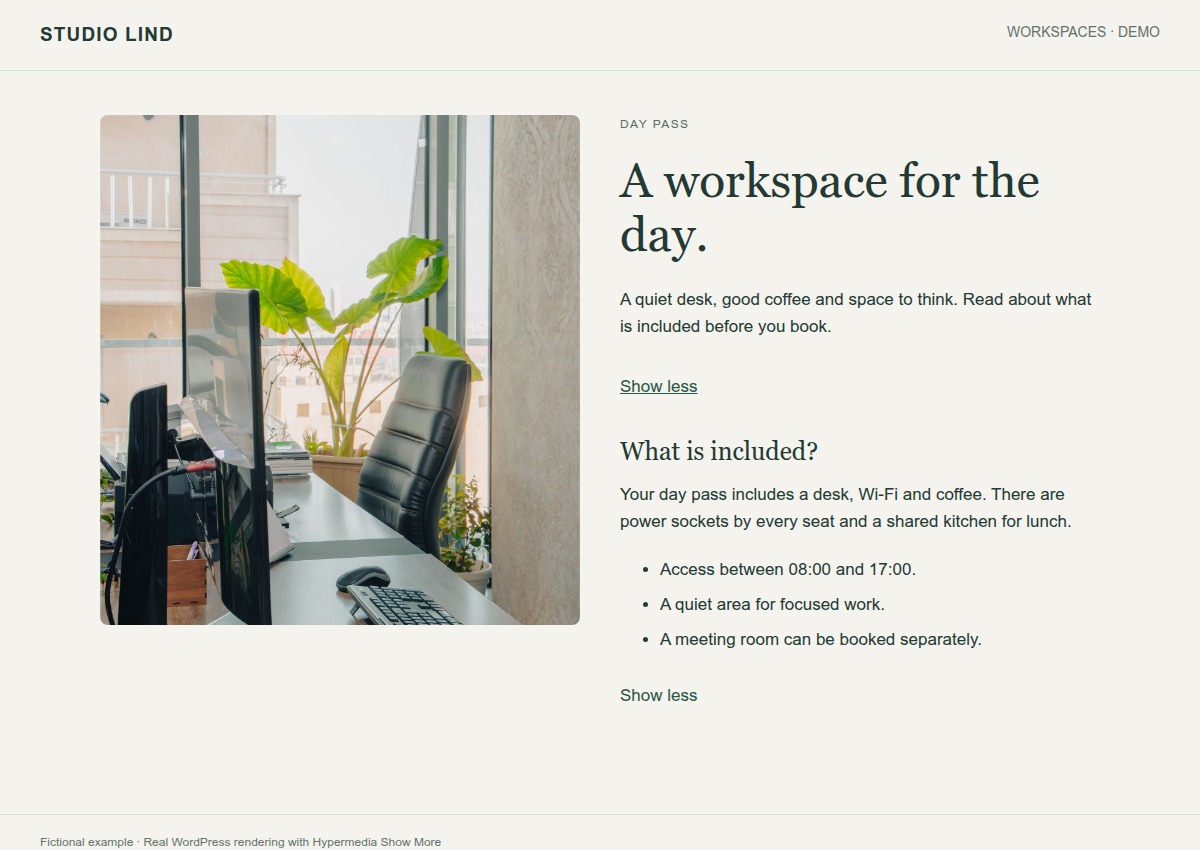
Choose your button text.
“Read more”, “Show details” or whatever suits your page. You can also change the colour, size and alignment.
Use it with a keyboard.
Tab moves to the button. Enter or Space opens the text. The button also tells screen readers whether the content is open or closed.
The text is there without JavaScript.
If JavaScript is disabled, all the content is shown straight away. Visitors can still read it without a working button.
Already using WP show more?
The old shortcode can be used if no other plugin has claimed it. Try the change on a copy of your site first, especially if you have custom CSS, forms or embeds.
Hypermedia Show More
The same button on mobile.
The text fits the screen. Visitors open and close it with the same button as on a desktop. This is the actual page at a width of 390 pixels.
See the real mobile capture
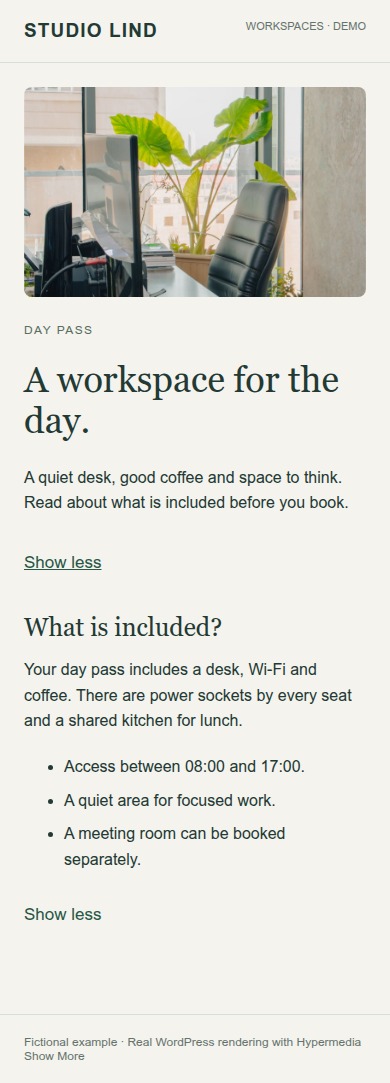
Photograph in the example page · Dextar Studio / Pexels
When can I download it?
I’m preparing the first release. It hasn’t been submitted to WordPress.org yet, so there’s no directory version to download. You can try the feature here.